
Give people something to look forward to
Introduce the event early so customers can organise their friends and decide to come along.
For example: announce your live music night two weeks ahead.
The band is booked. The menu is ready. Now give people time to make plans. Schedule That Post helps you turn each event into a series of Facebook reminders, with less writing, less uploading and less to remember.
No card required. No automatic charge. Competition tools are included with Growth and Agency.

Stop relying on remembering to post between deliveries, staff rotas and the evening rush. Build your campaign, review it and schedule it for your connected Facebook Page.
Introduce the event early so customers can organise their friends and decide to come along.
For example: announce your live music night two weeks ahead.
Follow up with another reason to visit. Suggested wording gives you a starting point that you can make your own.
For example: remind people about steak night during the week.
Include your booking telephone number and use a follow up comment for your website link, with a delay you choose.
For example: a final reminder with table booking details.
Example campaign, not a fixed schedule. Review the dates, wording and posting times before approving your posts.
Your regular food offer deserves the same attention as your headline entertainment.
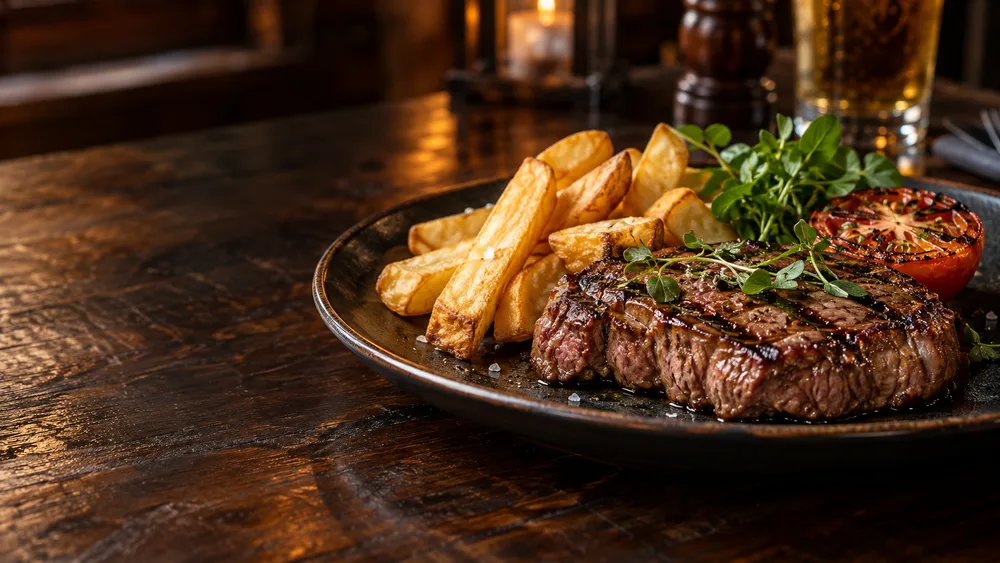
Give customers a reason to book a midweek table.

Get the group chat planning a Saturday night out.

Give teams time to get their players together.

Put your gathering on people’s calendars early.
Illustrative event images. Upload your own photos to show your actual venue, food and performers.
Knowing when to post should feel less like guesswork. Start with research informed suggestions, then use your Page’s measured results as more evidence becomes available.
Review why a time is suggested and choose the time that fits your event. You stay in control of the schedule.
Explore how our timing worksResearch informed times give new accounts a useful starting point.
Refresh your results to see reactions, comments and shares on measured posts.
Once there is enough data, recommendations can reflect your own Page’s performance.
There is no universal perfect posting time. Reach, engagement and bookings are not guaranteed.
Start with your message, photo and date. Open More options when you need repeats or comments. A clear post list helps you check what is coming up.
Upload a photo from your phone, use the artwork a performer sent you, choose a shared event photo or create an image. Preview your choice before scheduling.
Reuse a previous event and its artwork. Suggestions appear as you type a familiar event name. Set up weekly, fortnightly or monthly repeats, and check any dates printed on your poster.
Store your own reusable images in a searchable library. Starter includes 25 saved images, Growth 100 and Agency 250. Shared library photos do not use those spaces.
Put your telephone number in the post and schedule a follow up comment with your website link. Choose the delay and review the wording before it goes out.
Use tailored searches to look for local community groups and Pages. Review the group’s rules and share where your event is welcome. This helps you search; it does not automatically rank or post to groups.
Give your Facebook promotions a clear finish. Choose your published competition post and entry rule, then start a random draw from the eligible entries the system can verify.
The result is recorded. You can review it first, or have your prepared winner announcement published automatically after the draw.
You click to start the draw. Scheduled draws at a competition’s closing time are not currently available. The Starter trial does not include competition tools.
Illustration of the available choices.
Your workspace shows upcoming, published and failed posts. Review the queue and measured results in one place, so promotion stays visible even when the venue gets busy.
Every plan includes the Facebook calendar, event campaigns, shared event photos and results. Compare the allowances below, then see current prices.
Build a consistent posting routine.
Promote a busy calendar and run competitions.
Includes winner draws and optional automatic announcements.
More capacity for a higher volume of content.
Includes winner draws and optional automatic announcements.
A competition post counts when you complete a successful draw. Redraws of that same post within the calendar month do not use another allowance. Saved image limits are storage capacity, not a monthly upload allowance.
Compare prices and billing optionsTry your first event campaign with 14 days of Starter access.
Start my free trialNo card needed. Choose whether to subscribe when your trial ends.